AI prompts
AI image generation prompts.
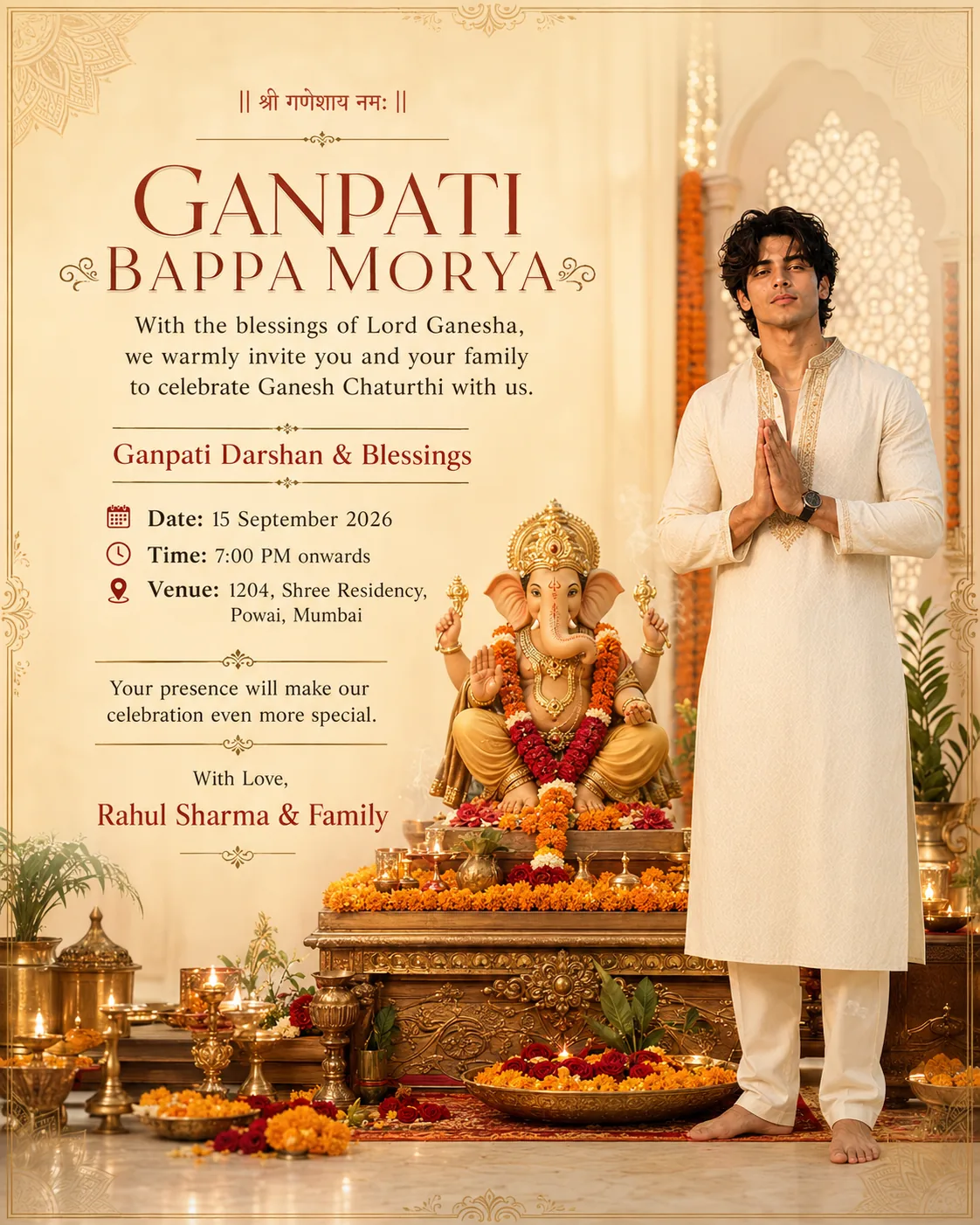
Copy-paste prompts for AI image generation — each one a complete, ready-to-use prompt for a specific portrait look. Written for Google Gemini, Nano Banana, Midjourney and Leonardo, as face-reference prompts so the result still looks like you. Tap any prompt to copy it.




No prompts match that search.
How to use these AI image generation prompts.
An AI image generation prompt is the text instruction you give an image generator — Google Gemini, Nano Banana, Midjourney, Leonardo or DALL·E — to create a picture. Open any prompt above to read the exact text, copy it in one tap, paste it into your generator, and tweak the details (outfit, setting, lighting) to make it yours.
Every prompt here is a face-reference prompt: you attach two to four photos of your own face so the result still looks like you, while the prompt handles the pose, outfit, background, lighting and camera. That's how you get a polished portrait that's unmistakably you — for Instagram, LinkedIn or a dating profile. Once you like a look, use it in the Pose Mirror to copy the pose with your own camera.
How to write your own prompt for image generation.
A good prompt describes six things, in order. Copy one of ours and swap in your own version of each:
- Identity — who the subject is; for a look-like-you result, say "use my uploaded face-reference photos."
- Composition — aspect ratio and crop (e.g. 4:5 portrait, chest-up).
- Pose & expression — how the body sits and what the face is doing.
- Clothing & setting — the outfit and where it's shot.
- Lighting & camera — the mood and a lens feel (e.g. warm light, 50–85mm).
- Negative prompt — a short list of what to avoid (wrong face, extra hands, harsh flash).
The more specific each part is, the closer the AI lands. Every prompt in this gallery already follows this structure, so they double as templates you can adapt.
FAQ